Profile Overview
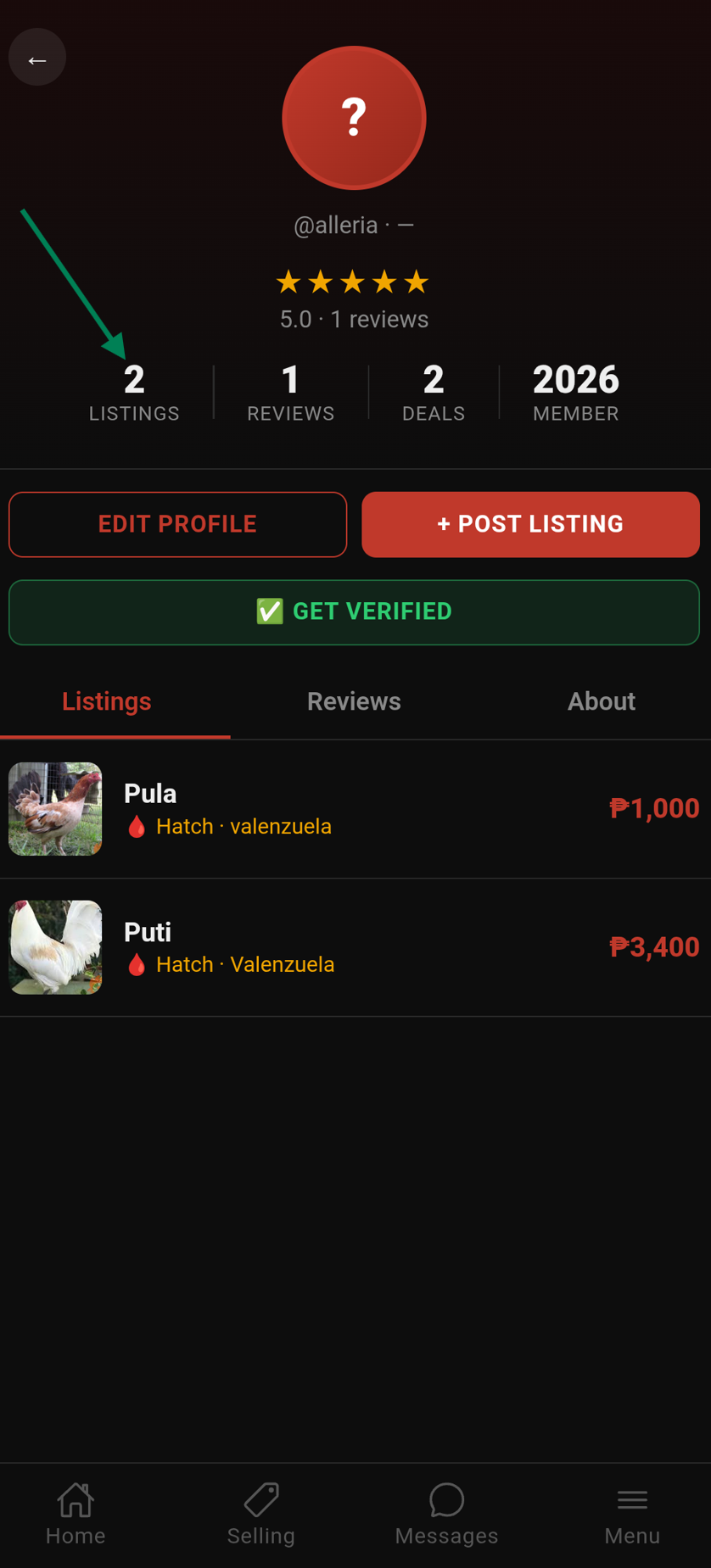
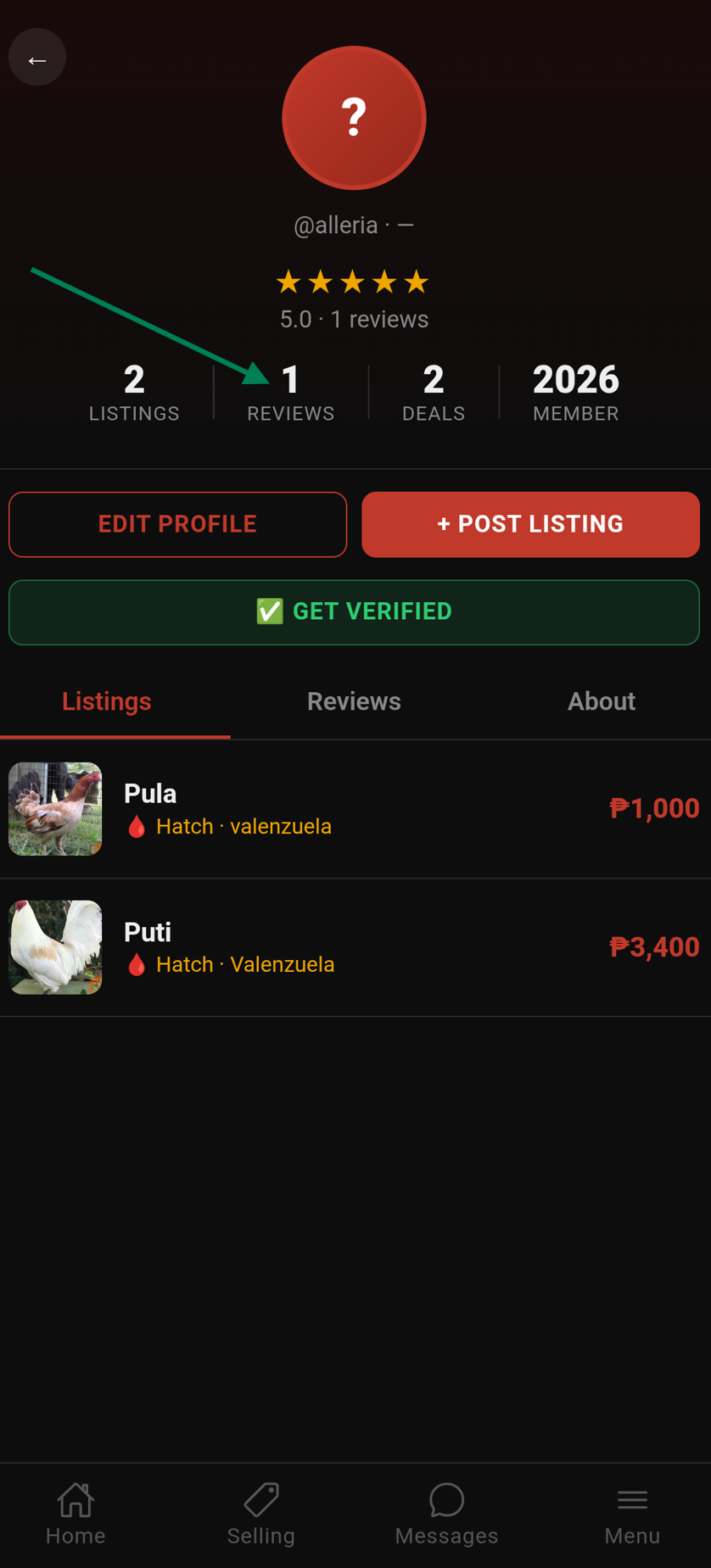
Tap your avatar or go to Menu → Profile to view your profile. It has three tabs:
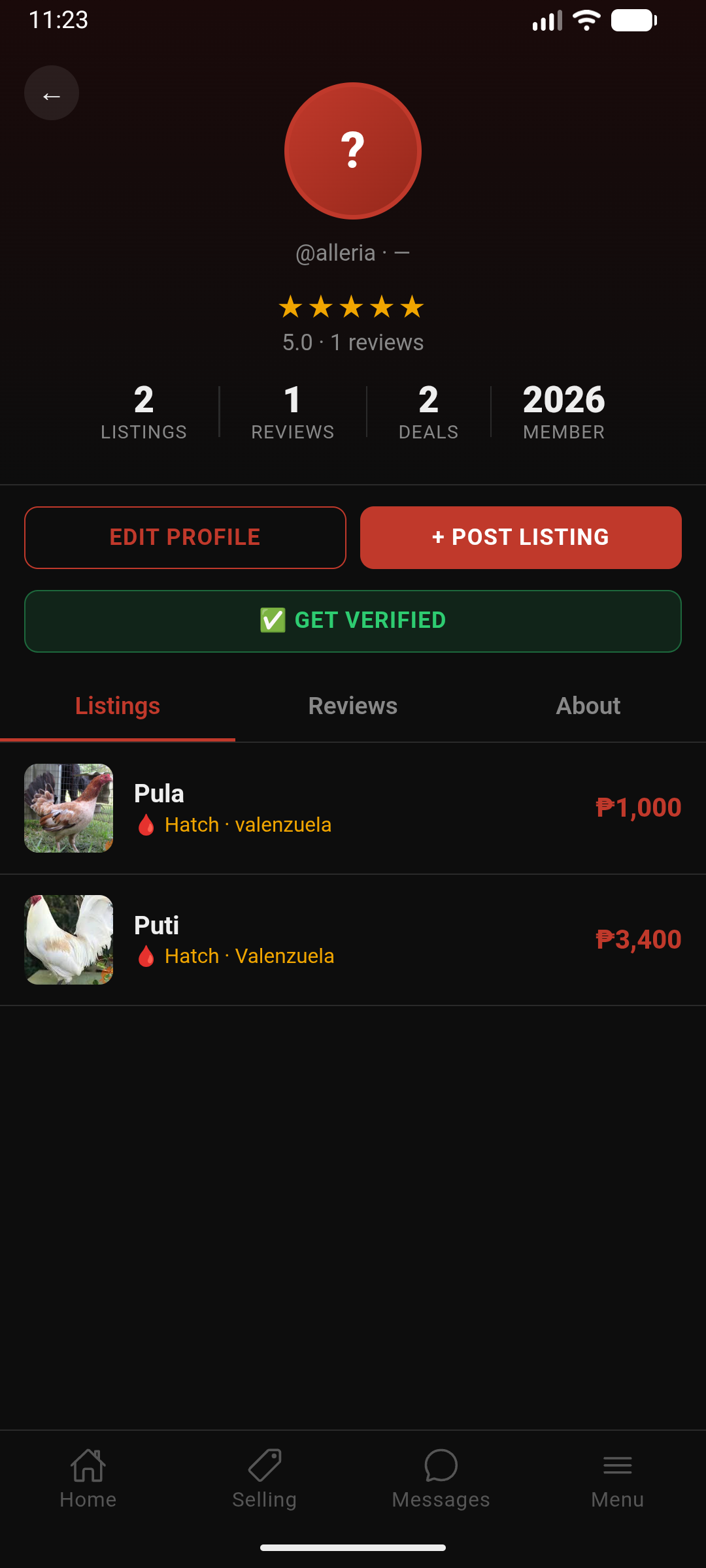
- Listings — all your active and sold listings
- Reviews — star ratings and written reviews from past transactions
- About — your farm name, location, bio, contact links, and stats
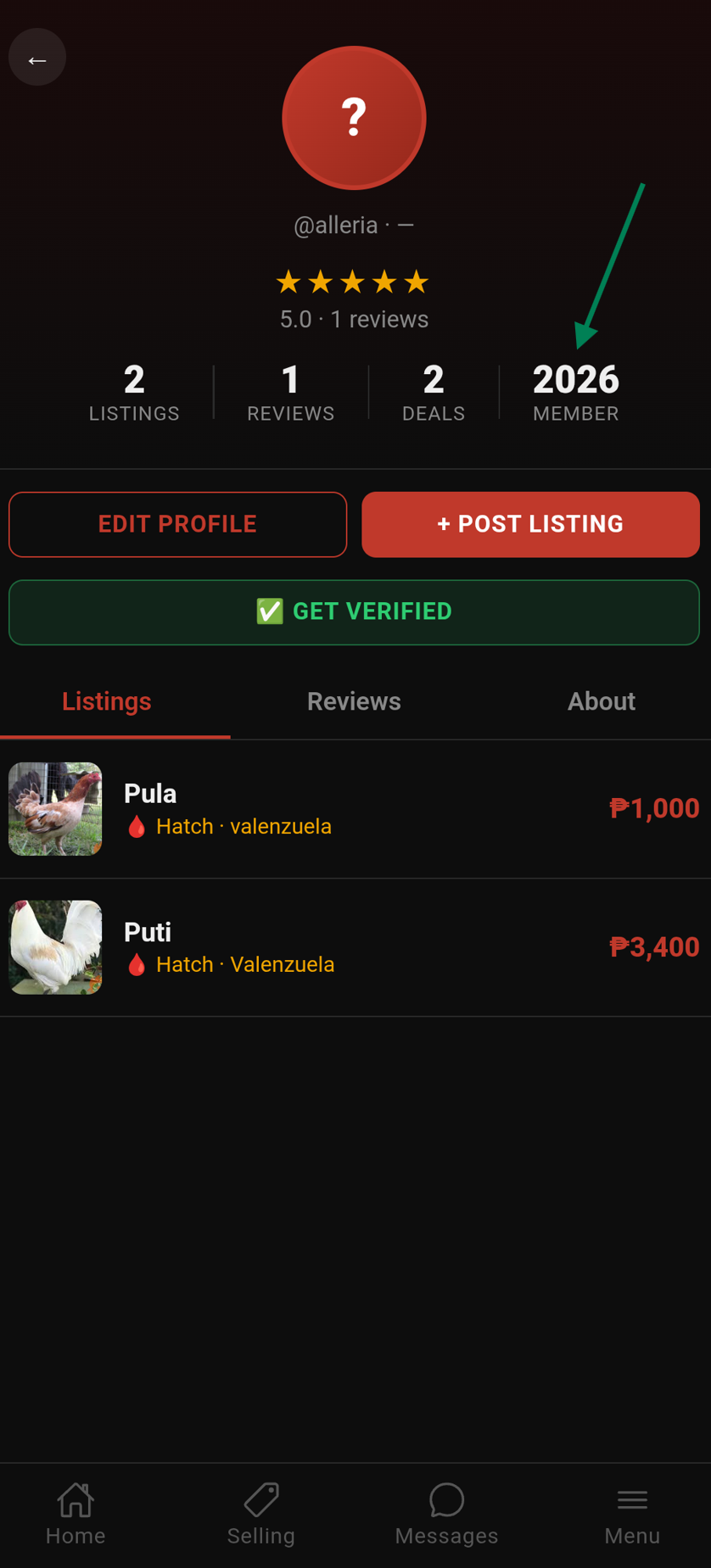
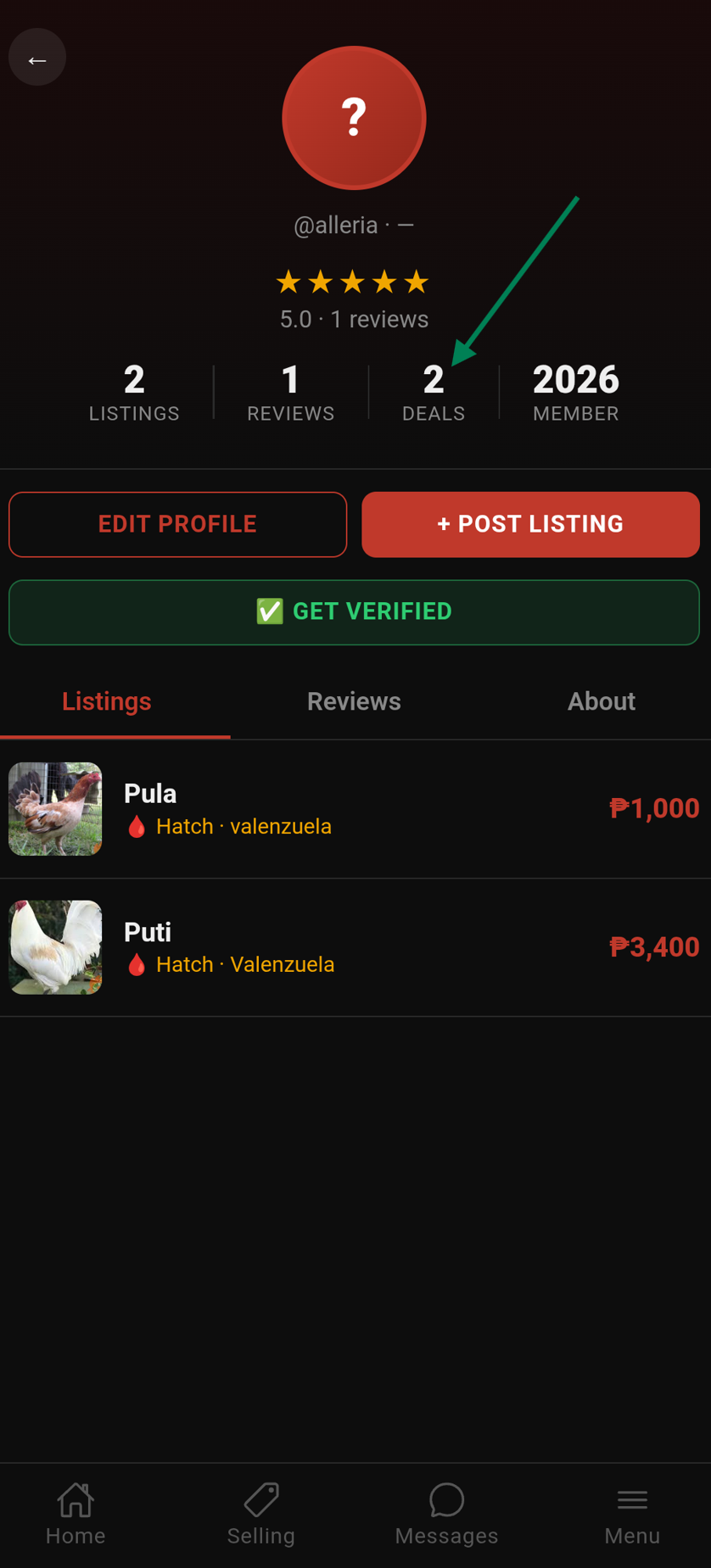
Profile stats include: total listings, total reviews, completed deals, and member since date.
Reliability Indicators
Below the main stats, a Reliability section may appear on a seller's profile if they have a history of cancelled transactions or no-shows:
- Cancellation(s) — number of transactions they cancelled
- No-show(s) — number of times they failed to show up for a meetup
This section is only shown when the count is greater than zero. Use it to make more informed decisions before dealing with a seller.
Trust Levels
Your trust level is calculated from your activity, reviews, and verified status:
- New — account less than 30 days old. A "New Account" indicator is shown on your profile
- Bronze — some completed transactions and reviews
- Silver — consistent positive reviews and activity
- Gold — high volume of completed deals with excellent ratings
Edit Your Profile
Go to Menu → Settings → Edit Profile to update:
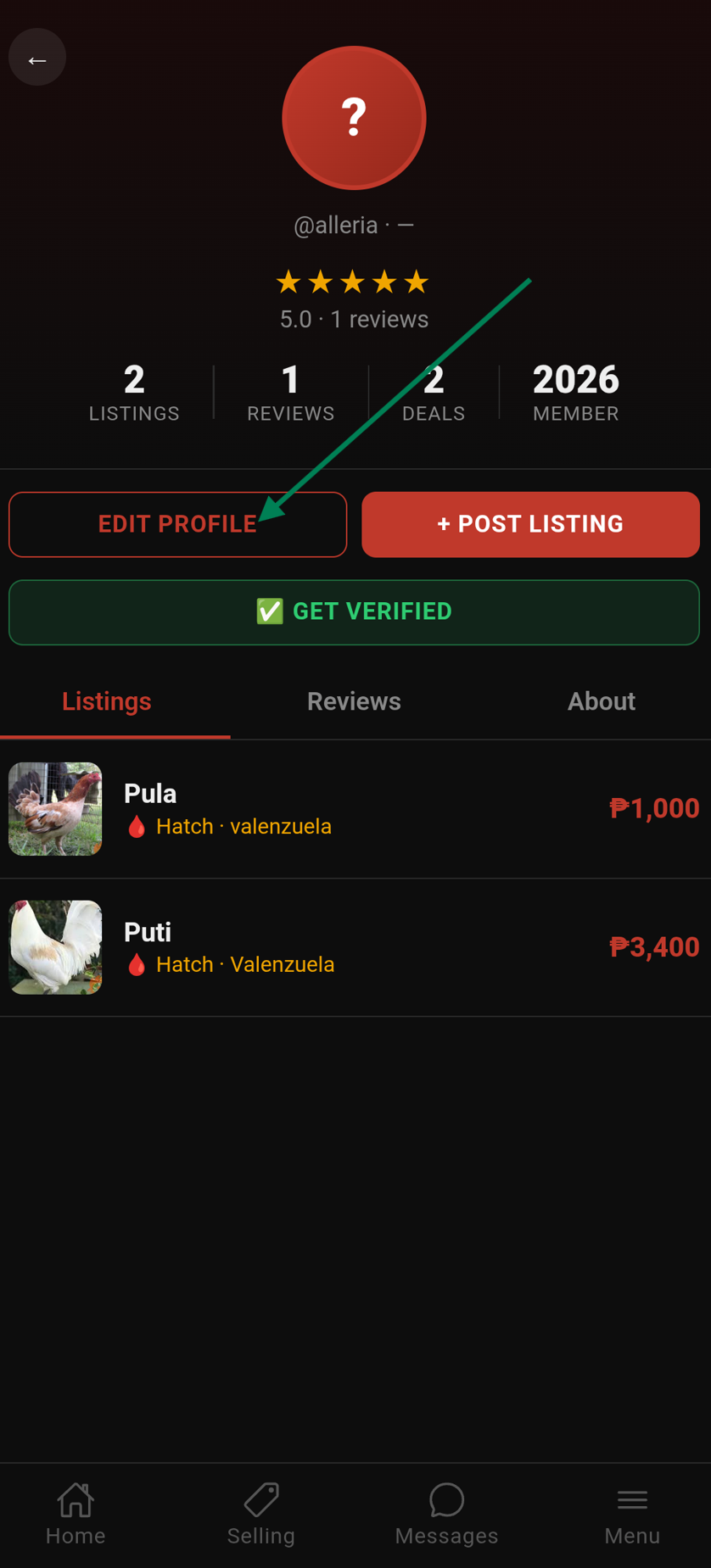
- Farm name and bio
- Location (province/city)
- Profile photo / avatar
- Contact links: Messenger, WhatsApp, Phone number
Profile Completeness
At the top of the Edit Profile page, a progress bar shows how complete your profile is (0–100%). Below it, hint chips highlight exactly what's missing:
- Add a photo — upload a profile avatar
- Add farm name — give your farm an identity
- Add a bio — tell buyers about yourself and your birds
- Add contact method — link your Messenger, WhatsApp, or phone number
Tap any hint chip to jump directly to that field. Once all fields are filled, the bar reaches 100% and the hint chips disappear.
Response Rate Badge
Your profile shows how quickly you typically respond to messages — displayed as minutes, hours, or days. A fast response rate builds buyer confidence.
Follow a Seller
Follow sellers whose birds you're interested in to stay updated on their new listings.
- Open a seller's profile
- Tap Follow
- You'll receive a push notification whenever that seller posts a new listing
- Tap Unfollow to stop receiving their updates
Sellers can see their follower count on their Seller Dashboard.
Activity Log
Go to Menu → Activity to see a log of your recent actions — listings posted, transactions, reviews, and more.