What's this for? Reviews are the backbone of trust in the marketplace. After every completed transaction, both buyer and seller can rate each other. Your average rating and review count are visible on your profile and listings — they directly influence how much buyers trust you.
Leaving a Review
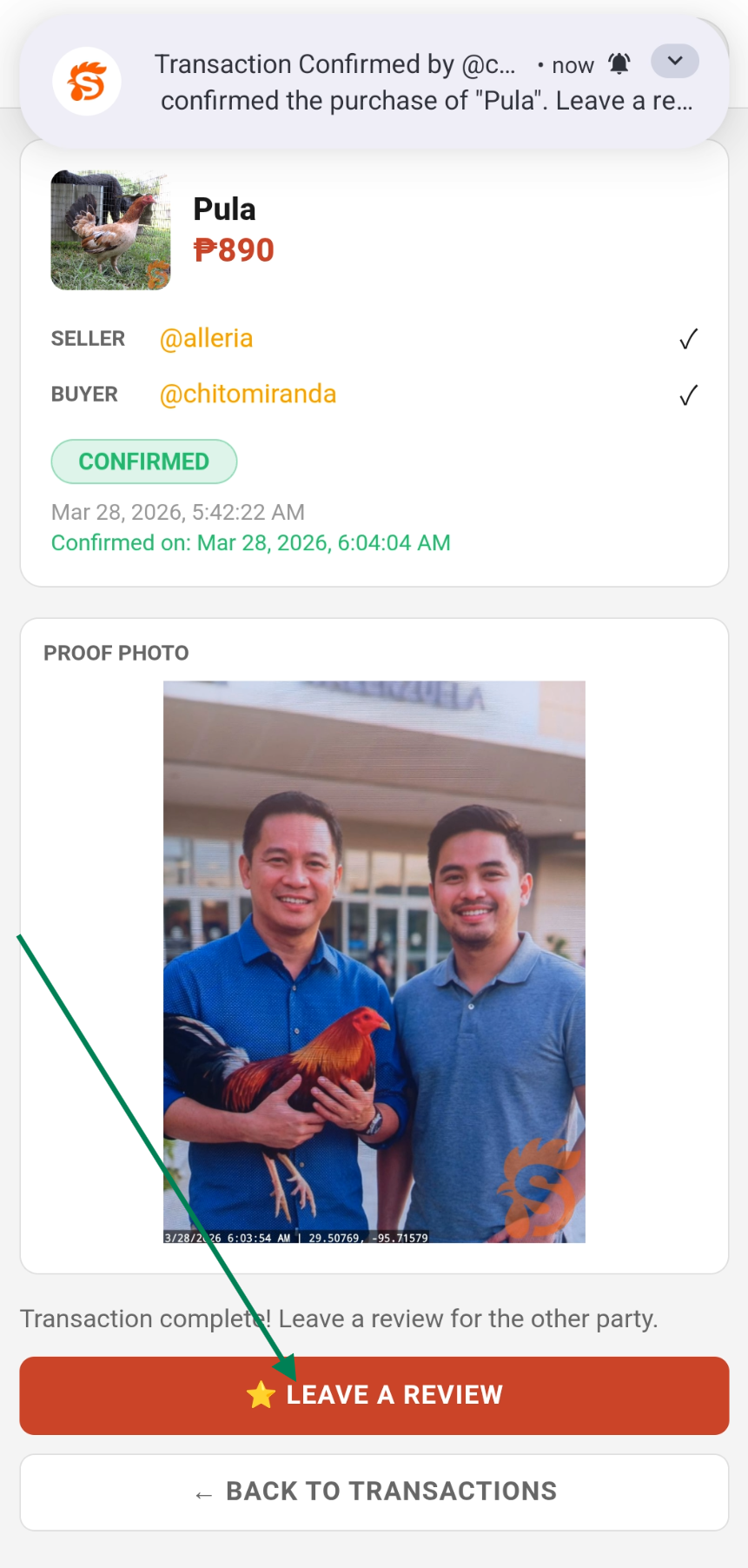
After a transaction is confirmed as complete, a review prompt appears automatically in the app.
- Rate the other party from 1 to 5 stars
- Write an optional comment about your experience
- Tap Submit Review
You can also leave a review later from the transaction detail page.
Editing a Review
Changed your mind? You can edit a review you've already submitted. Go to the transaction detail page and tap Edit Review.
Where Reviews Appear
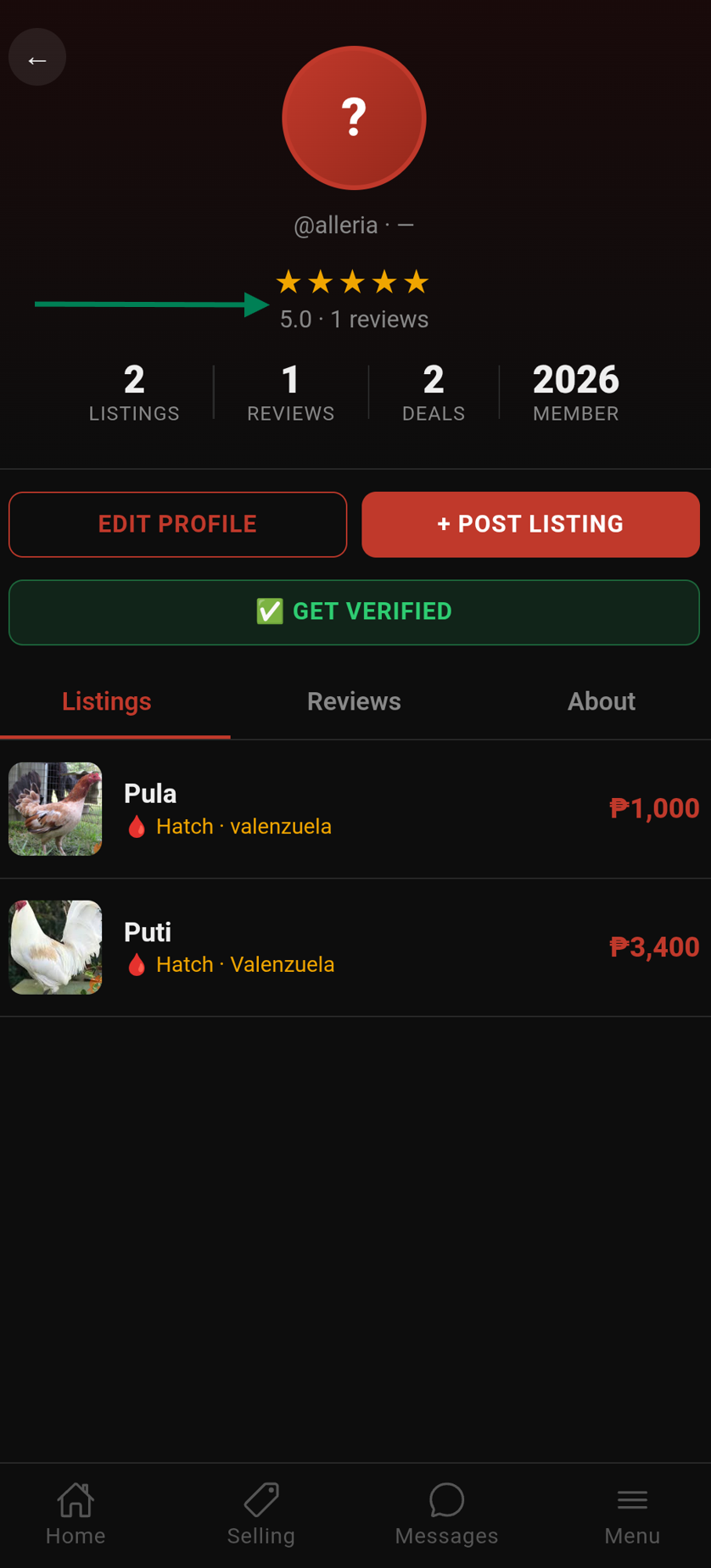
- On the seller's Profile → Reviews tab
- As a star rating summary on the profile header
- On listing cards and detail pages (seller's average rating)
How Reviews Affect Trust Level
Your average star rating and number of completed transactions both contribute to your trust level (New → Bronze → Silver → Gold). Consistent positive reviews are the fastest way to level up.
Tip: Always leave honest reviews. They help the community identify trustworthy sellers and flag bad actors.